Use a dedicated browser profile for Web3, install only the wallet extension you need, block unsolicited notifications and downloads, keep the browser updated and require manual approval for extension changes. Separation reduces the chance that an unrelated extension or daily browsing session reaches your wallet.
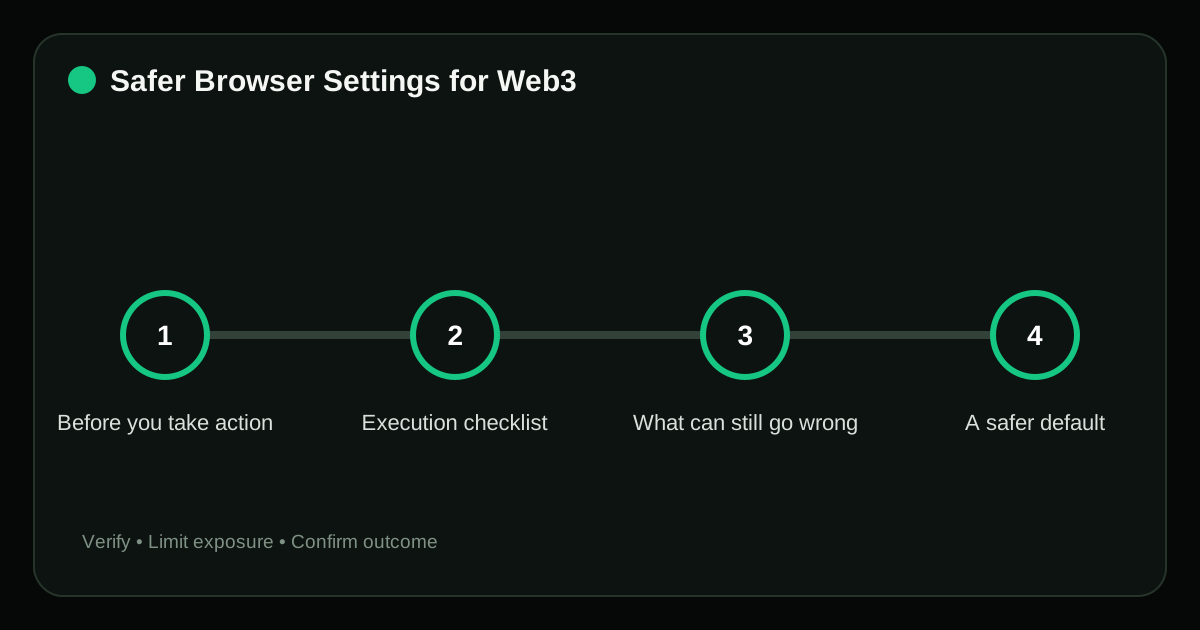
Before you take action#
A browser wallet shares an environment with websites and extensions. A malicious extension may read page content, replace copied addresses or imitate wallet prompts even when the wallet itself is genuine.
For safe browser settings Web3, the visible interface shows only part of the system. Confirm the identity, asset, network and authority involved before treating a familiar label as proof.
Execution checklist#
- Create a separate profile with no email or social browsing. Complete this through the verified product interface, then test the control instead of assuming it is active.
- Install the wallet from its official store link and pin it. Complete this through the verified product interface, then test the control instead of assuming it is active.
- Remove unused extensions and deny broad site access. Keep the first exposure small enough that a wrong assumption can be corrected without a material loss.
- Enable automatic security updates and safe-browsing protection. Complete this through the verified product interface, then test the control instead of assuming it is active.
- Clear connected sites and lock the wallet when finished. For safe browser settings Web3, complete this before value or signing authority changes hands and verify the resulting state afterward.
What can still go wrong#
- Syncing wallet-extension data to a shared work profile. This weakens a control that should limit the blast radius of safe browser settings Web3.
- Allowing every extension to read all sites. The branding can be copied, so the request must be re-opened through an independently verified channel.
- Saving seed phrases in browser password fields. This can expose the root credential; a later password change may not remove the attacker’s access.
- Using clipboard history for sensitive addresses or secrets. The branding can be copied, so the request must be re-opened through an independently verified channel.
A safer default#
For valuable transactions, combine the dedicated profile with a hardware wallet and verify the destination and amount on the hardware display.
Proof that the task is complete#
Do not judge the outcome of safe browser settings Web3 only by whether the interface shows a success message. Use evidence that can still be checked after the page is closed.
| Checkpoint | Evidence | Stop condition |
|---|---|---|
| Create a separate profile with no email or social browsing | Dated screenshot or onchain record with sensitive data removed | Syncing wallet-extension data to a shared work profile |
| Install the wallet from its official store link and pin it | Dated control check, recovery test or authenticated settings record with secrets removed | Allowing every extension to read all sites |
| Remove unused extensions and deny broad site access | Transaction or withdrawal ID plus the matching explorer or account record | Saving seed phrases in browser password fields |
Keep transaction hashes, official case numbers or dated screenshots when they help document safe browser settings Web3, but exclude seed phrases, private keys and authentication codes.
Frequently asked questions#
Does incognito mode make Web3 safe?
No. It changes local browsing history behavior; it does not validate sites or remove wallet-signature risk.
Should I install antivirus extensions?
Avoid adding extensions casually. Use reputable operating-system security tools and minimize browser privileges.
Can I use the same profile for multiple wallets?
You can, but separate profiles can reduce confusion and limit which sites see each wallet.
Related guides#
Sources#
- Ethereum.org: Security and Scam Prevention
- MetaMask: Wallet Security
- CISA: Avoiding Social Engineering and Phishing Attacks
Risk notice: Crypto actions can be irreversible. Never share a seed phrase, private key, password or authentication code, and verify every domain and wallet prompt independently.
Editorial standard
This guide is educational and source-led. Security controls, exchange rules and legal requirements can change; verify critical steps through the relevant official service before acting.