A signature trap hides or misrepresents what your wallet authorizes. Do not sign unreadable data, unfamiliar permit messages or transactions whose contract and effect you cannot verify. A hardware wallet protects keys, but it cannot protect you from deliberately approving a malicious instruction.
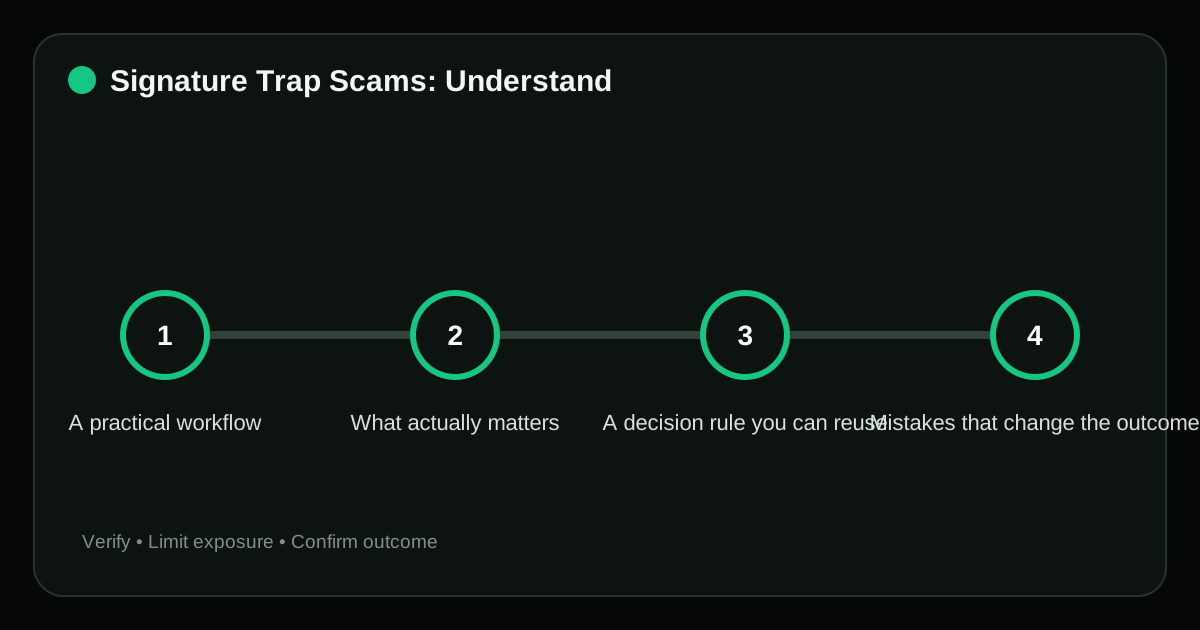
A practical workflow#
- Verify the requesting domain and account. Compare the exact domain, address, network or permission with an independent official source before continuing.
- Read the wallet’s decoded action, chain, spender and amount. Compare the exact domain, address, network or permission with an independent official source before continuing.
- Reject hex-only or ambiguous messages unless independently decoded. For blind signature crypto risk, complete this before value or signing authority changes hands and verify the resulting state afterward.
- Use simulation and transaction decoding from a trusted source. Complete this through the verified product interface, then test the control instead of assuming it is active.
- Review and revoke permissions after suspicious signing. Compare the exact domain, address, network or permission with an independent official source before continuing.
What actually matters#
Signatures can authorize more than a login. Depending on the standard, they may set a token allowance, list an NFT order or authorize a relayer to act without another onchain prompt.
For blind signature crypto risk, separate what can be verified before acting from what can only be monitored afterward. Put hard limits around the second category.
A decision rule you can reuse#
Classify the prompt before approving it: authentication, transaction, approval, permit or order. If the interface cannot show which class it is, the safe response is rejection.
Mistakes that change the outcome#
- “Gasless” treated as risk-free. This removes a required input from the blind signature crypto risk decision and makes the apparent result unreliable.
- A sign-in message containing an unexpected nonce or spending term. The branding can be copied, so the request must be re-opened through an independently verified channel.
- Blind signing enabled permanently on a hardware device. This weakens a control that should limit the blast radius of blind signature crypto risk.
- Signing again because the first prompt appeared to fail. This weakens a control that should limit the blast radius of blind signature crypto risk.
Evidence to keep#
Do not judge the outcome of blind signature crypto risk only by whether the interface shows a success message. Use evidence that can still be checked after the page is closed.
| Checkpoint | Evidence | Stop condition |
|---|---|---|
| Verify the requesting domain and account | Exact URL or contract address matched to official documentation | “Gasless” treated as risk-free |
| Read the wallet’s decoded action, chain, spender and amount | Dated control check, recovery test or authenticated settings record with secrets removed | A sign-in message containing an unexpected nonce or spending term |
| Reject hex-only or ambiguous messages unless independently decoded | Dated screenshot or onchain record with sensitive data removed | Blind signing enabled permanently on a hardware device |
Keep transaction hashes, official case numbers or dated screenshots when they help document blind signature crypto risk, but exclude seed phrases, private keys and authentication codes.
Frequently asked questions#
Does signing always cost gas?
No. Offchain signatures can be free to create yet still authorize later onchain actions.
Can I revoke every signature?
Not necessarily. Some permissions can be revoked or invalidated; a signed order may need cancellation, and a completed transfer cannot be undone.
Is blind signing ever necessary?
Some applications require it, but enabling it removes important verification. Use it only for a verified, understood transaction and disable it afterward.
Related guides#
Sources#
Risk notice: Crypto actions can be irreversible. Never share a seed phrase, private key, password or authentication code, and verify every domain and wallet prompt independently.
Editorial standard
This guide is educational and source-led. Security controls, exchange rules and legal requirements can change; verify critical steps through the relevant official service before acting.