A reduce-only order can decrease or close an existing derivatives position but cannot increase or reverse it. Close-only is often a venue state or restriction with a similar goal. Enable the flag on exit orders and verify total exit quantity does not exceed the position.
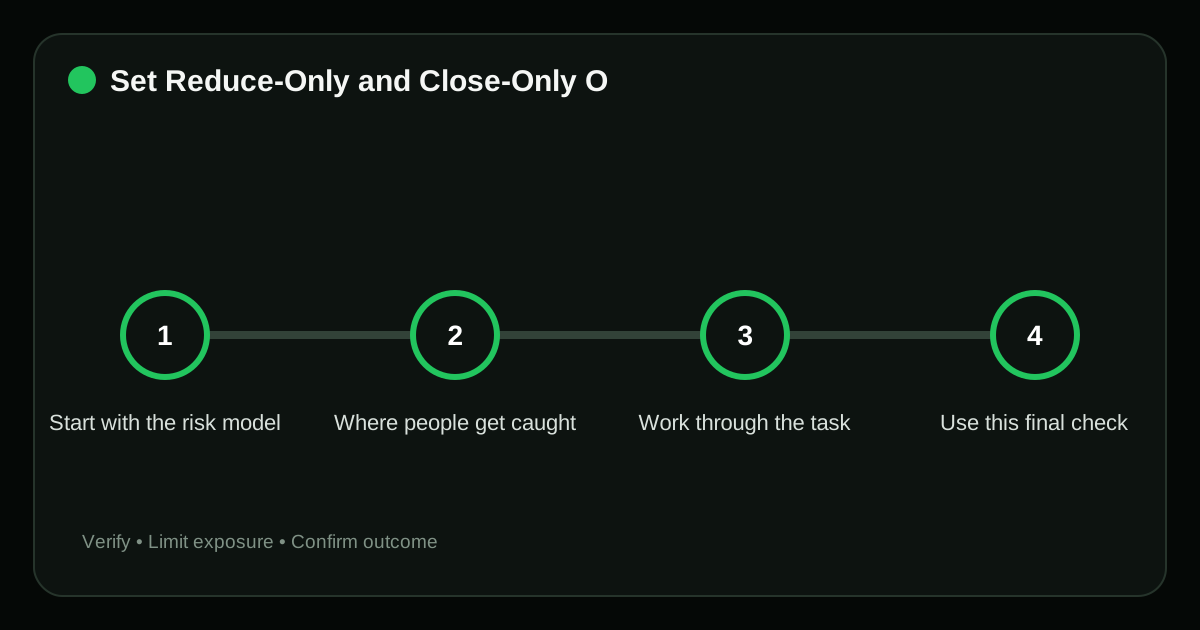
Start with the risk model#
Without reduce-only, a take-profit that remains after a manual close can open a new position in the opposite direction.
Where people get caught#
- Using reduce-only on an entry and wondering why it rejects. This changes the planned exposure or execution cost of reduce only close only crypto after the decision has already been made.
- Placing multiple exits whose total exceeds the position. This changes the planned exposure or execution cost of reduce only close only crypto after the decision has already been made.
- Assuming every venue uses identical terminology. This removes a required input from the reduce only close only crypto decision and makes the apparent result unreliable.
- Leaving bot orders active after manual closure. This changes the planned exposure or execution cost of reduce only close only crypto after the decision has already been made.
In reduce only close only crypto, these errors share one pattern: speed or familiarity replaces verification. Slow down at the point where authority, money or an irreversible signature changes hands.
Work through the task#
- Check position side and exact open quantity. Compare the live venue details with the written plan; do not rely on a chart label or a remembered setting.
- Select the opposite order side. The choice determines which asset, authority or risk model applies, so resolve any ambiguity before the next step.
- Enable reduce-only before submission. Keep the first exposure small enough that a wrong assumption can be corrected without a material loss.
- Review all other exits and conditional orders. Compare the live venue details with the written plan; do not rely on a chart label or a remembered setting.
- Verify cancellation after the position reaches zero. Compare the live venue details with the written plan; do not rely on a chart label or a remembered setting.
Use this final check#
Use reduce-only for stop-loss and take-profit orders whenever the venue supports it. Treat rejection as a signal to recheck position quantity and side.
A final verification pass#
Do not judge the outcome of reduce only close only crypto only by whether the interface shows a success message. Use evidence that can still be checked after the page is closed.
| Checkpoint | Evidence | Stop condition |
|---|---|---|
| Check position side and exact open quantity | Order ID, fill price, quantity, fees and current open-position screen | Using reduce-only on an entry and wondering why it rejects |
| Select the opposite order side | Order ID, fill price, quantity, fees and current open-position screen | Placing multiple exits whose total exceeds the position |
| Enable reduce-only before submission | Account history entry and a journal note showing the planned value | Assuming every venue uses identical terminology |
Record actual fills, fees and remaining exposure for reduce only close only crypto. The order ticket is an estimate; account history is the durable record.
Frequently asked questions#
Why was my reduce-only order canceled?
The position may have closed, shrunk below order size or changed side.
Can reduce-only partially fill?
Yes, it can reduce the position in partial fills.
Is close-only the same everywhere?
No. Read the exchange’s definition; it may apply account-wide during risk events.
Related guides#
Sources#
- Coinbase: Understanding Order Types
- CFTC: Customer Advisory on Virtual Currencies
- Kraken: Trading Order Types
Risk notice: Crypto trading can produce rapid losses. Examples are educational, not personalized financial advice; verify venue rules, fees and legal or tax obligations before acting.
Editorial standard
This guide is educational and source-led. Security controls, exchange rules and legal requirements can change; verify critical steps through the relevant official service before acting.