Open the DEX from a verified official link, select the correct network, unlock the intended low-value trading wallet and review the address shown before connecting. Connection reveals the address but trading still requires separate approvals and transaction signatures.
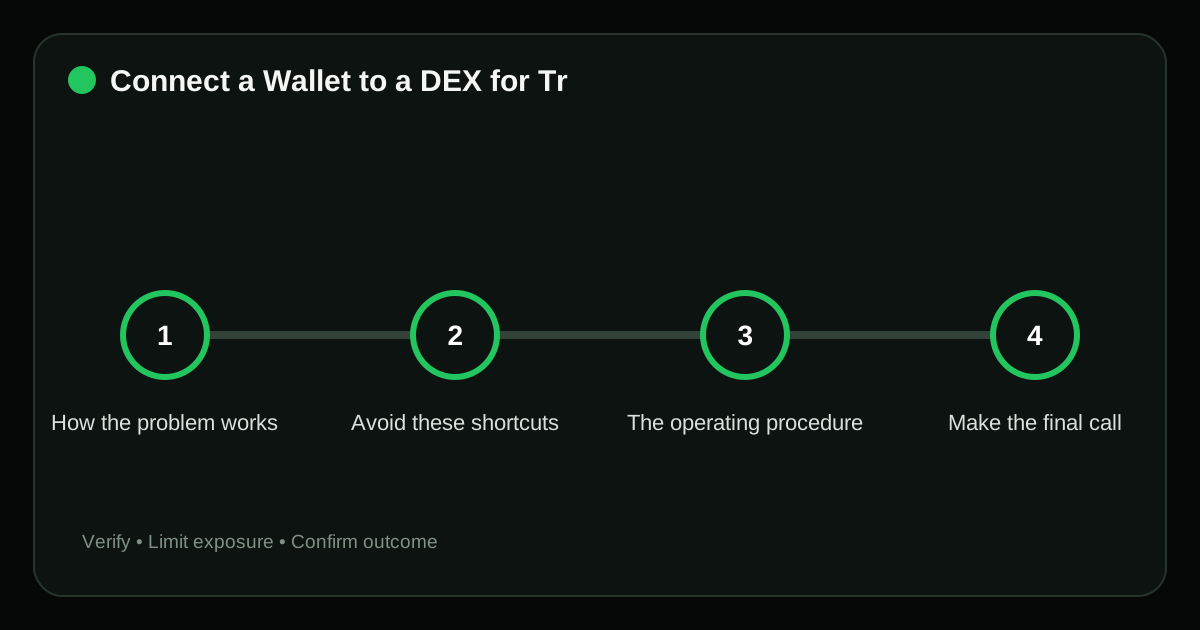
How the problem works#
Wallet connection, token approval and swap are three different actions. Understanding the sequence prevents a user from treating every prompt as routine.
Avoid these shortcuts#
- Connecting the long-term vault. This changes the planned exposure or execution cost of connect wallet to DEX after the decision has already been made.
- Approving every prompt immediately after connection. This changes the planned exposure or execution cost of connect wallet to DEX after the decision has already been made.
- Following a DEX link from a token message. The branding can be copied, so the request must be re-opened through an independently verified channel.
- Assuming disconnect removes onchain approvals. This removes a required input from the connect wallet to DEX decision and makes the apparent result unreliable.
In connect wallet to DEX, these errors share one pattern: speed or familiarity replaces verification. Slow down at the point where authority, money or an irreversible signature changes hands.
The operating procedure#
- Verify domain and network. Compare the live venue details with the written plan; do not rely on a chart label or a remembered setting.
- Choose the intended account in the wallet. The choice determines which asset, authority or risk model applies, so resolve any ambiguity before the next step.
- Review permissions requested by the connection. Compare the live venue details with the written plan; do not rely on a chart label or a remembered setting.
- Confirm token contracts before approving. Compare the live venue details with the written plan; do not rely on a chart label or a remembered setting.
- Disconnect and review allowances after use. Compare the live venue details with the written plan; do not rely on a chart label or a remembered setting.
Make the final call#
Use a dedicated DEX wallet funded for the planned trade. Read-only portfolio checks can often be done by pasting a public address without connecting.
A final verification pass#
Do not judge the outcome of connect wallet to DEX only by whether the interface shows a success message. Use evidence that can still be checked after the page is closed.
| Checkpoint | Evidence | Stop condition |
|---|---|---|
| Verify domain and network | Exact URL or contract address matched to official documentation | Connecting the long-term vault |
| Choose the intended account in the wallet | Dated control check, recovery test or authenticated settings record with secrets removed | Approving every prompt immediately after connection |
| Review permissions requested by the connection | Account history entry and a journal note showing the planned value | Following a DEX link from a token message |
Record actual fills, fees and remaining exposure for connect wallet to DEX. The order ticket is an estimate; account history is the durable record.
Frequently asked questions#
Does connecting cost gas?
A standard connection does not; approvals and swaps are onchain and do.
Can the DEX see my other accounts?
It sees accounts you expose and public onchain relationships; wallet behavior varies.
Why is the wrong network shown?
The dapp and wallet networks may differ. Switch only after verifying the DEX supports that chain.
Related guides#
Sources#
- Uniswap Support: Swaps and Troubleshooting
- Ethereum.org: Gas and Fees
- MetaMask: Transactions and Gas
Risk notice: Crypto trading can produce rapid losses. Examples are educational, not personalized financial advice; verify venue rules, fees and legal or tax obligations before acting.
Editorial standard
This guide is educational and source-led. Security controls, exchange rules and legal requirements can change; verify critical steps through the relevant official service before acting.